Everything you need to run support
One bot for your whole support workflow. Simple enough for a brand-new server, deep enough for the biggest communities.
The work these tools take off your plate
Design support flows, not spaghetti
Drag nodes onto a canvas, branch on what people answer, and route each ticket to the right team.
- Branch on form answers, roles, or category
- Auto-assign staff, set priority, send replies
- Applications with review and role-on-approval, on Community and up
- Dozens of node types, with AI and webhook nodes on Pro
Ask the right questions up front
Build a panel for every category and collect what your team needs before anyone replies.
- Unlimited panels on paid plans, each with its own form
- Text, dropdowns & priority fields
- Per-category colors, naming & permissions
- Support hours shown in each member's timezone
Never lose a conversation again
Every ticket is saved as a clean, searchable transcript. Review for quality, settle disputes, or export in a click.
- Search past tickets by member name or ticket number
- Download as HTML or hand off to teammates
- Pro: copy each one to your own S3, R2 or B2 bucket, or Google Drive
- Stored securely with access controls
See exactly how support is going
See volume and response times on every plan, with deeper reports like CSAT and busiest hours in advanced analytics.
- Live dashboard with ticket & reply metrics
- Satisfaction ratings on Community and Pro, CSAT reports on Pro
- Spot trends at a glance
A support desk built for Discord
Manage tickets, automate intake, and help members find answers from one workspace.
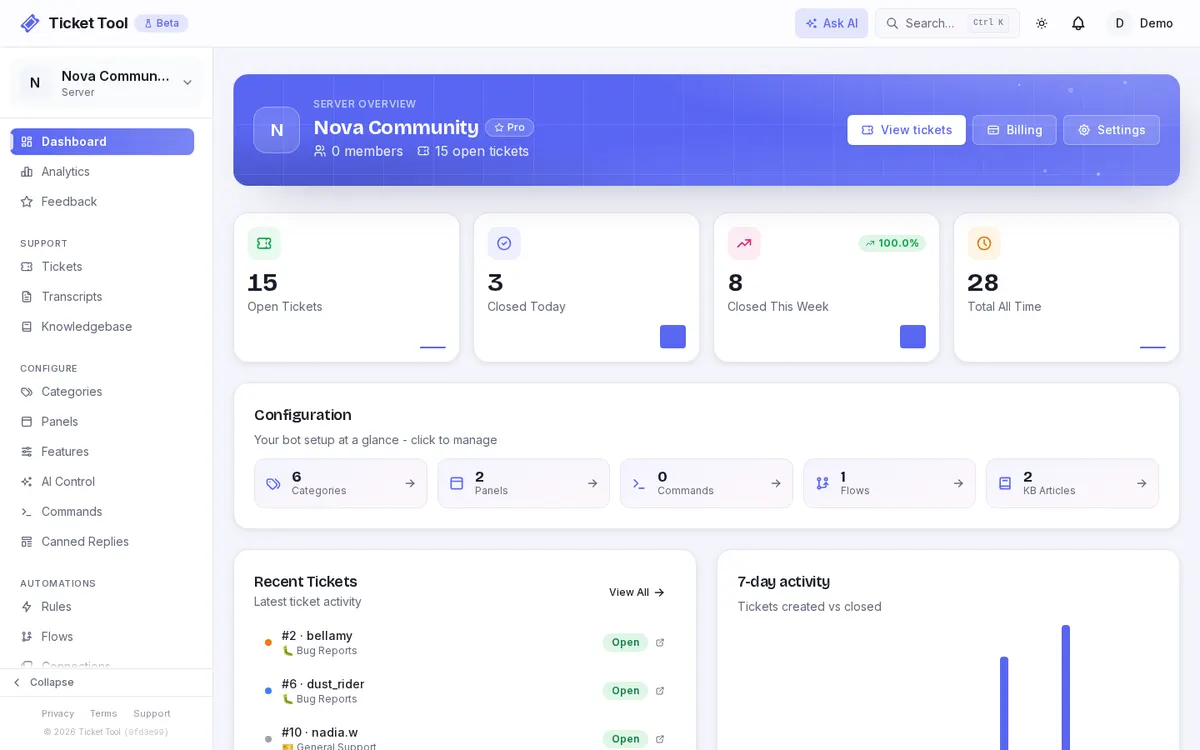
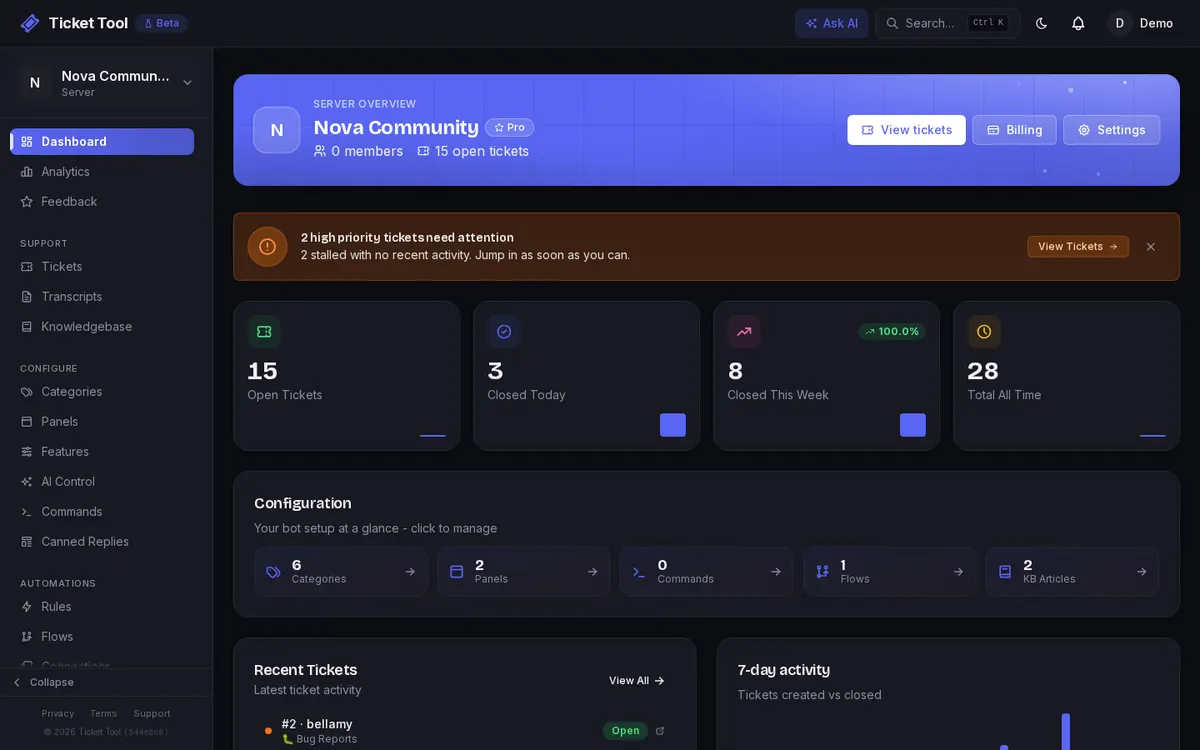
Run support from one dashboard
Track ticket volume, response times, resolution rate, categories, and staff activity without leaving Ticket Tool.
Explore the dashboard guide →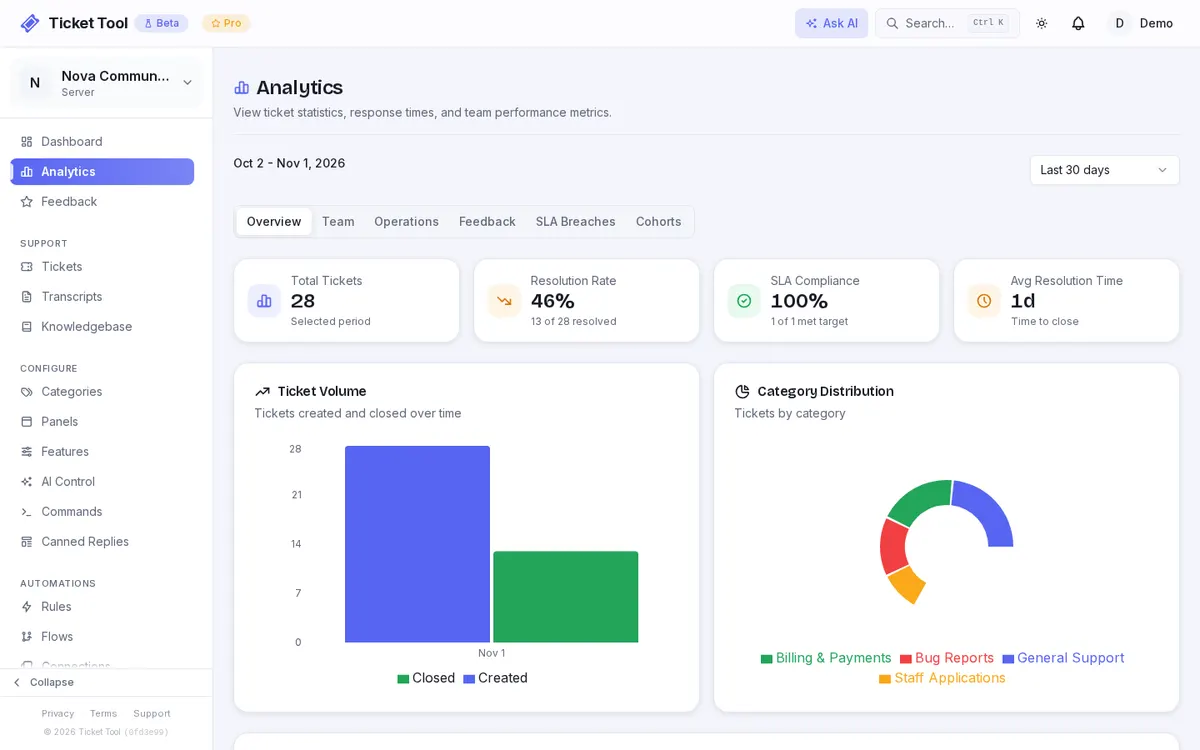
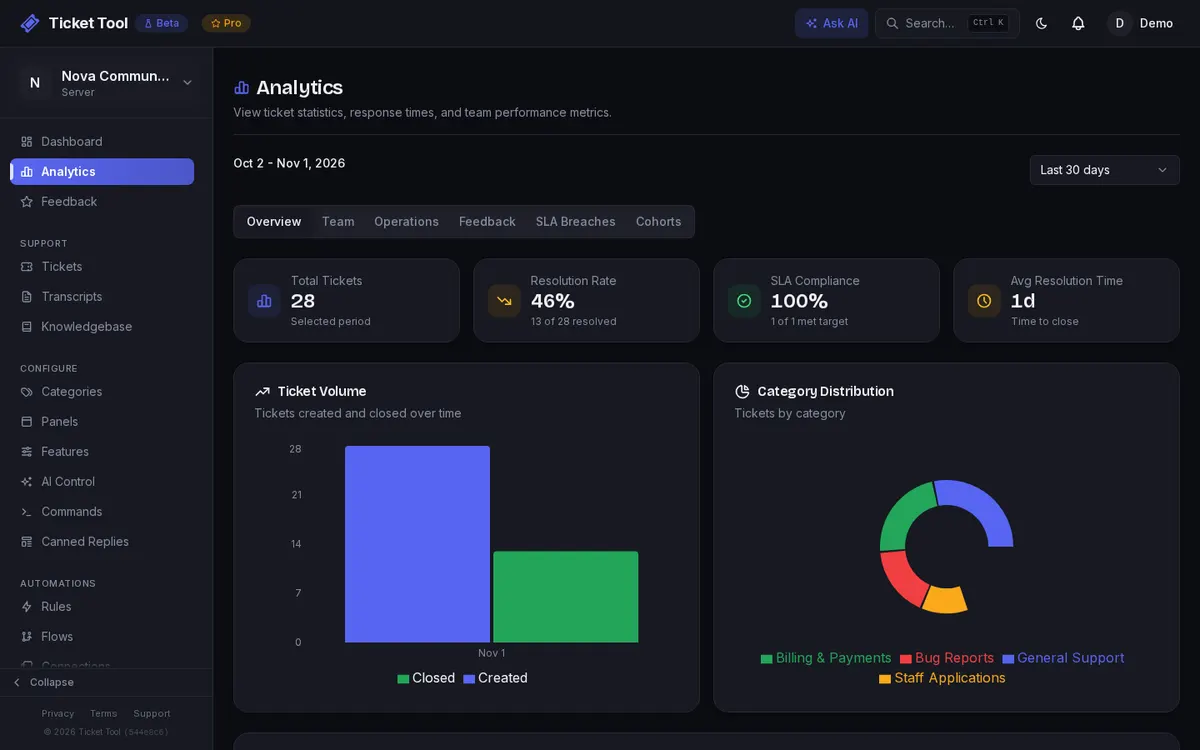
Measure support performance
Review ticket trends, response times, SLA health, feedback, cohorts, and team performance in one reporting workspace.
Explore analytics →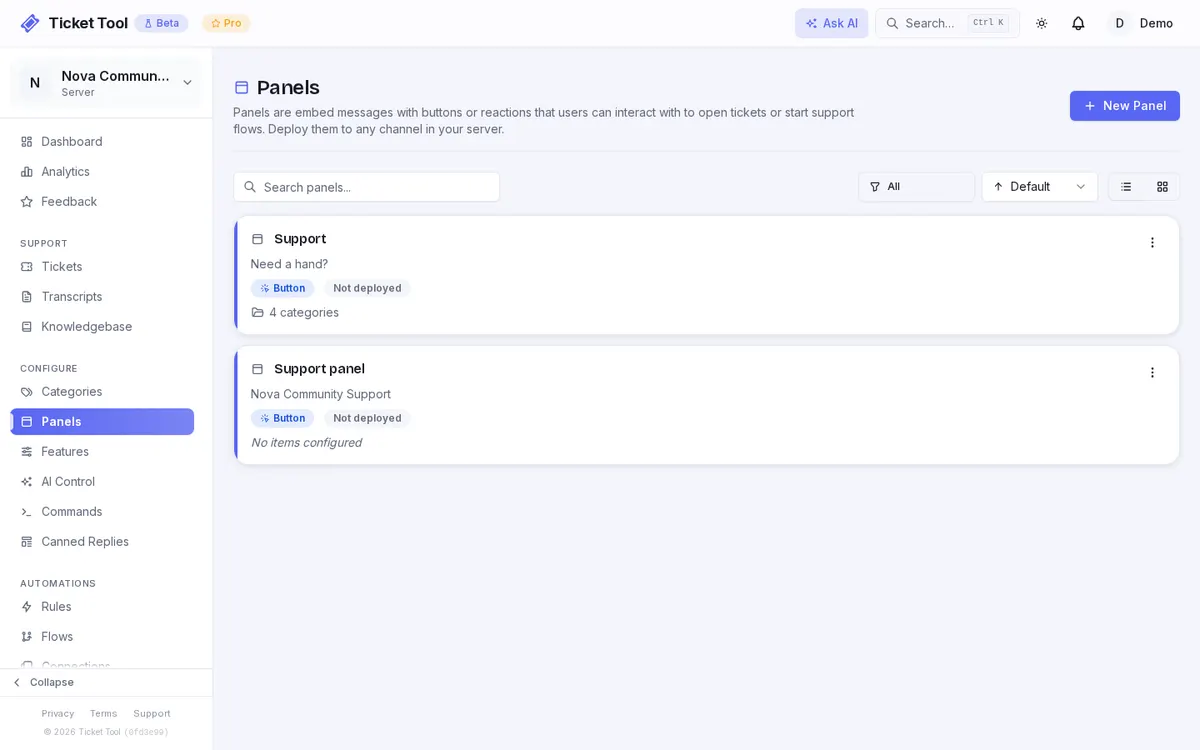
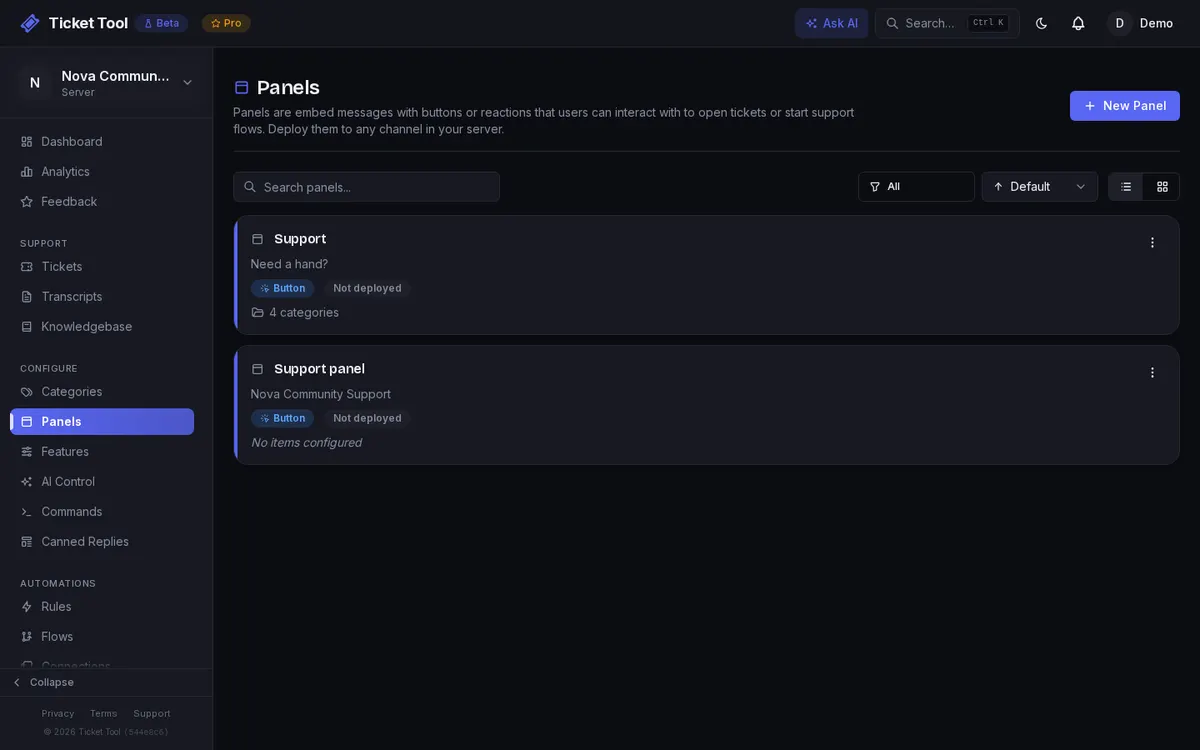
Deploy flexible ticket panels
Create button or reaction panels, connect the right categories, and manage every Discord entry point centrally.
Explore ticket panels →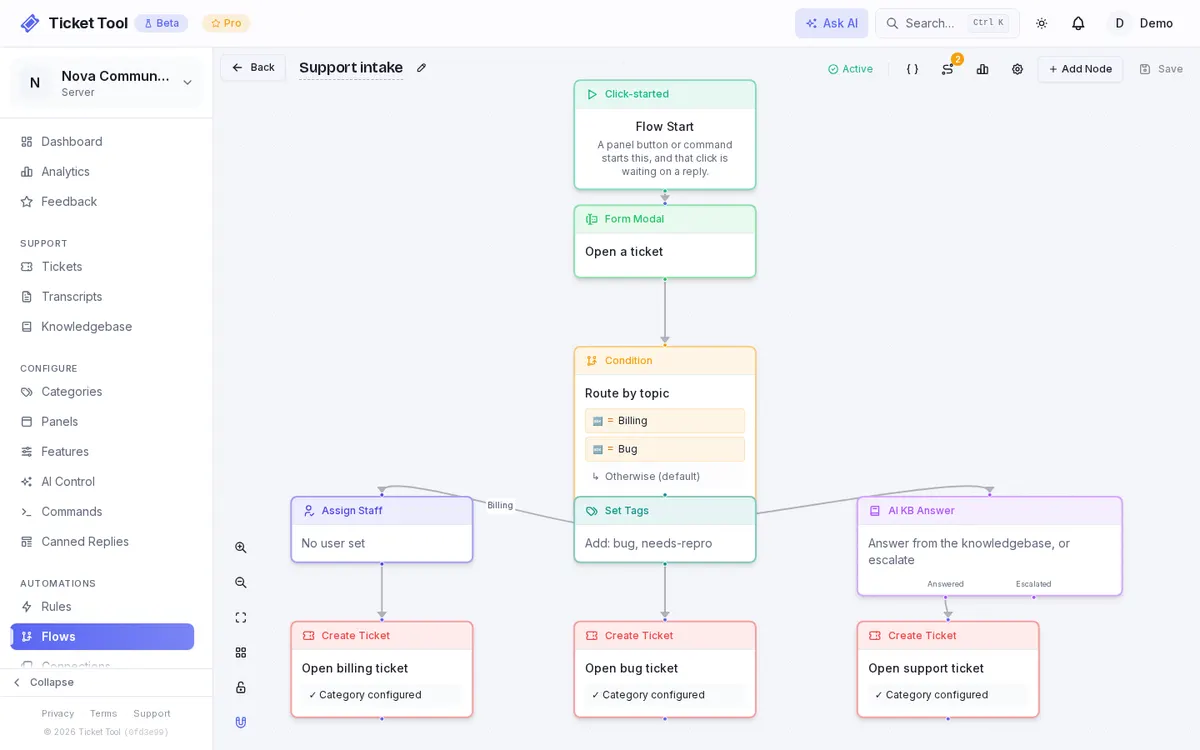
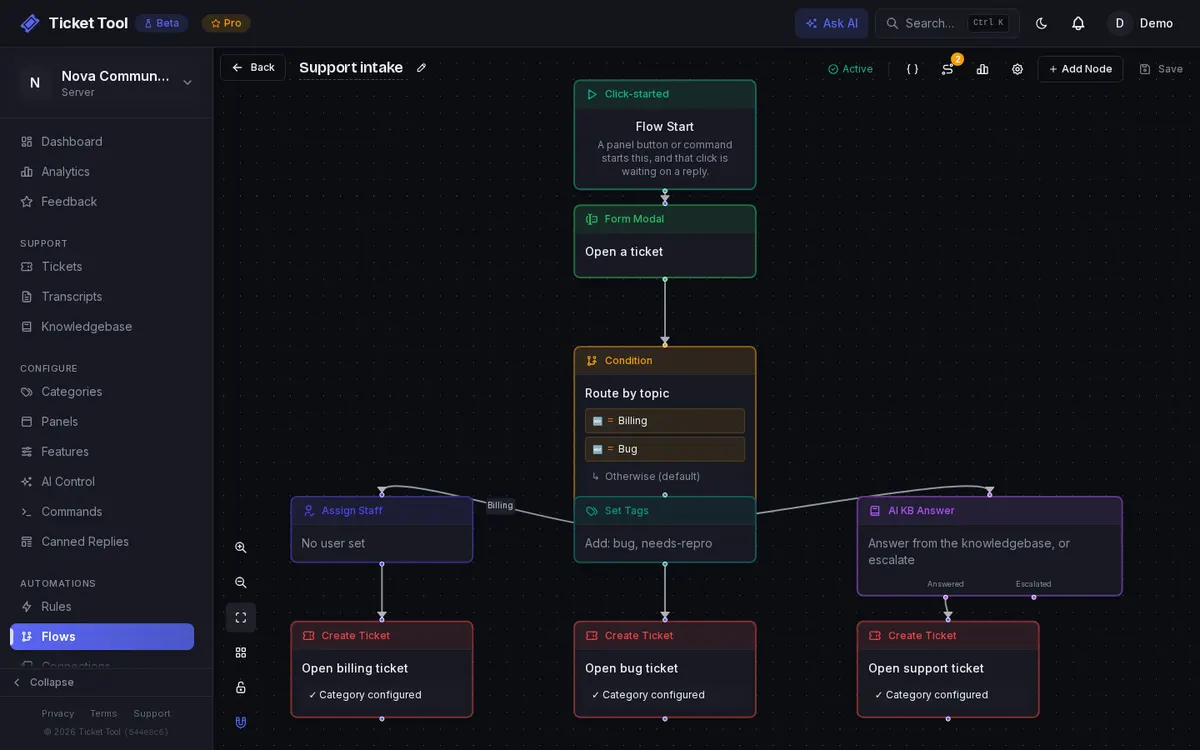
Build support flows visually
Create branching intake, automation, lookups, and hand-offs with a no-code flow builder.
Explore the flow builder →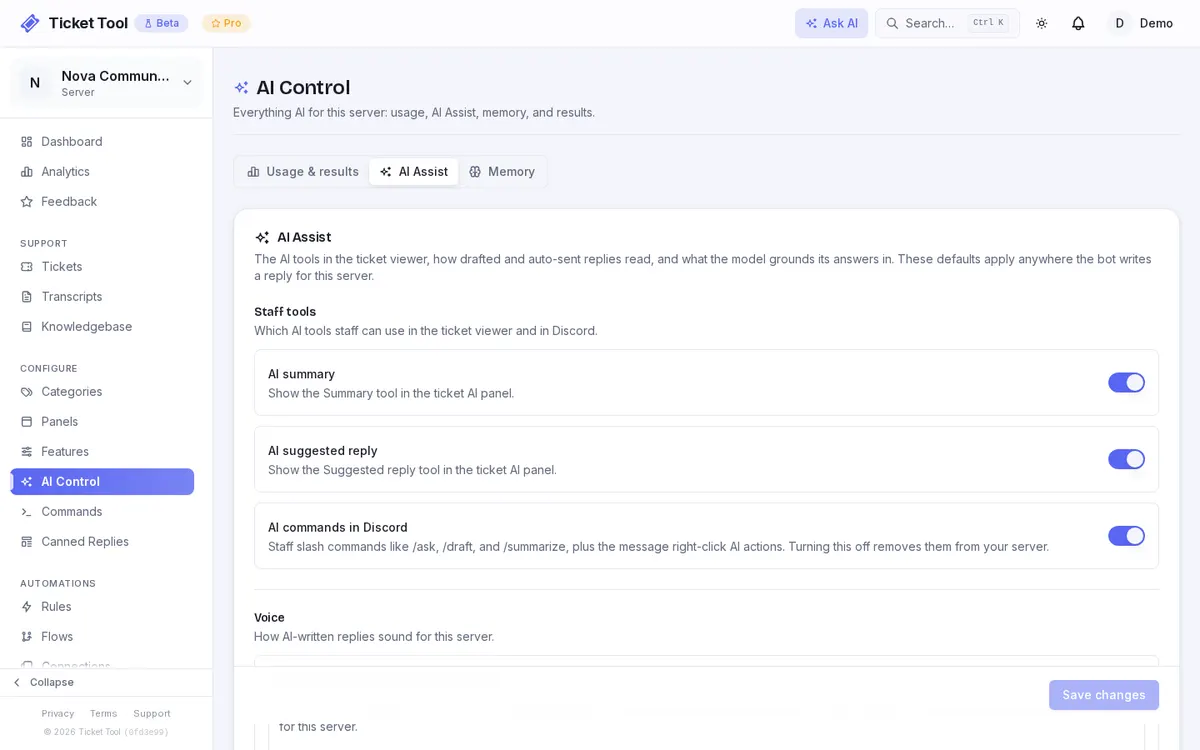
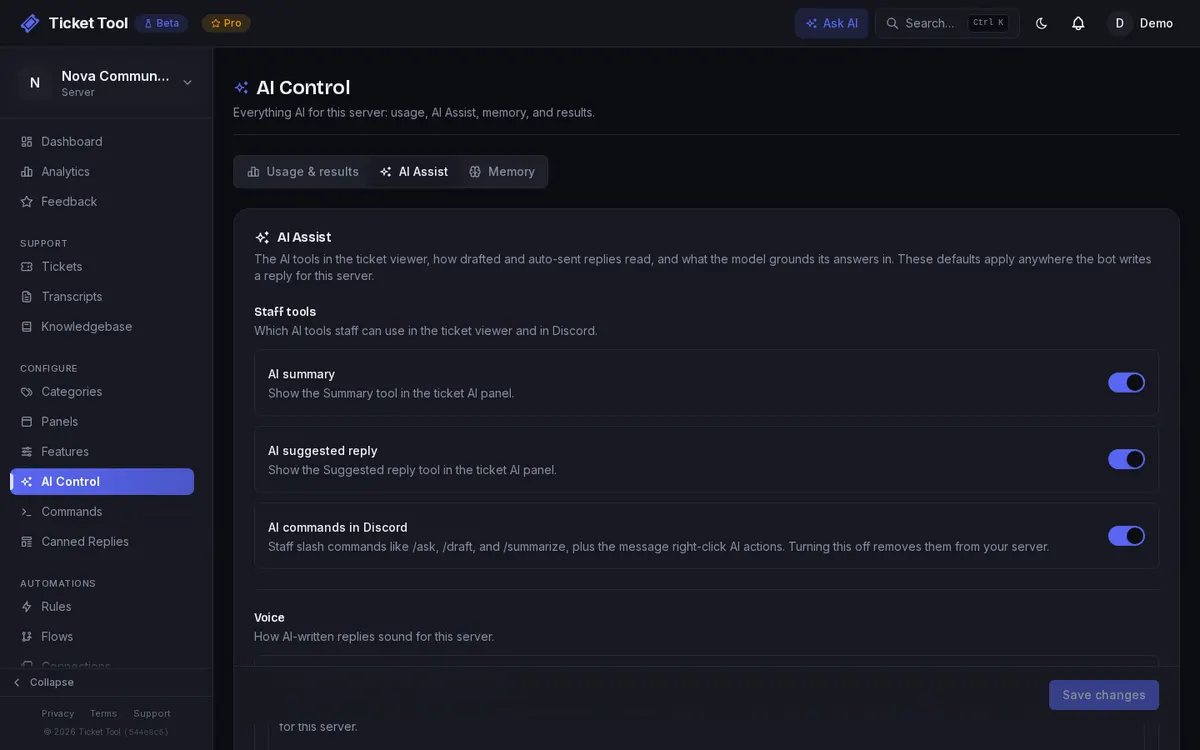
Keep staff in control of AI
Configure summaries, suggested replies, Discord commands, and response voice for consistent, reviewable assistance.
Explore AI features →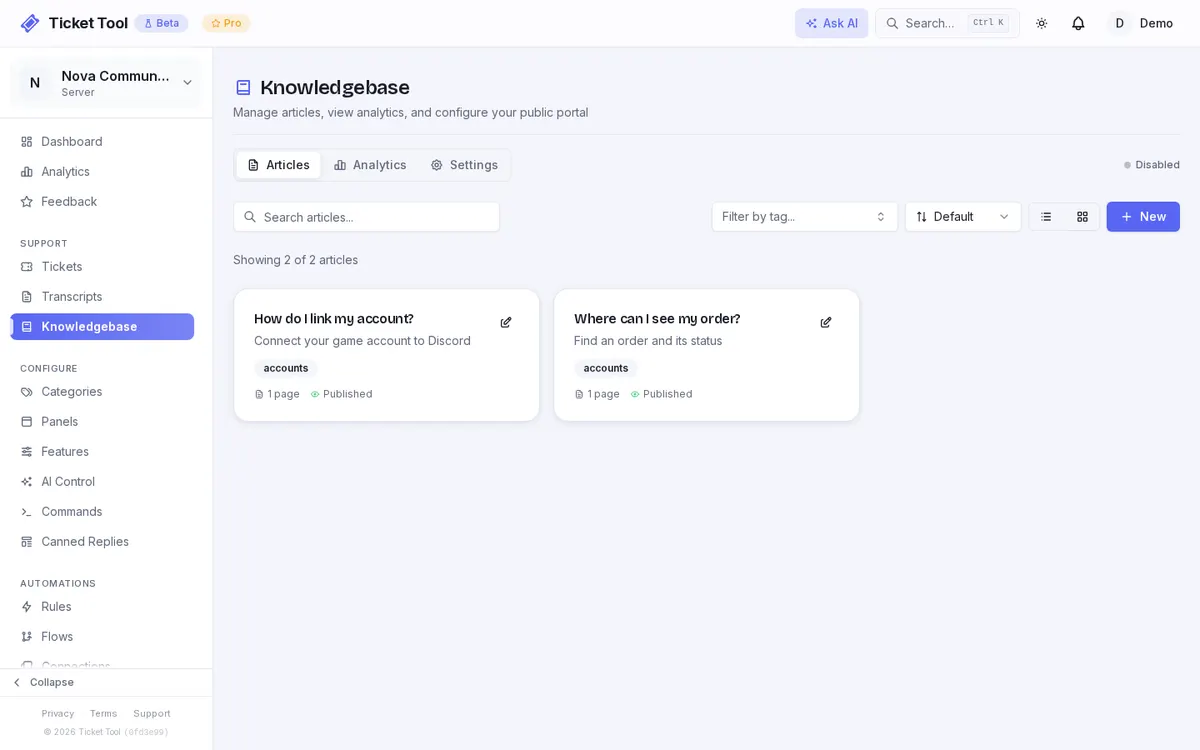
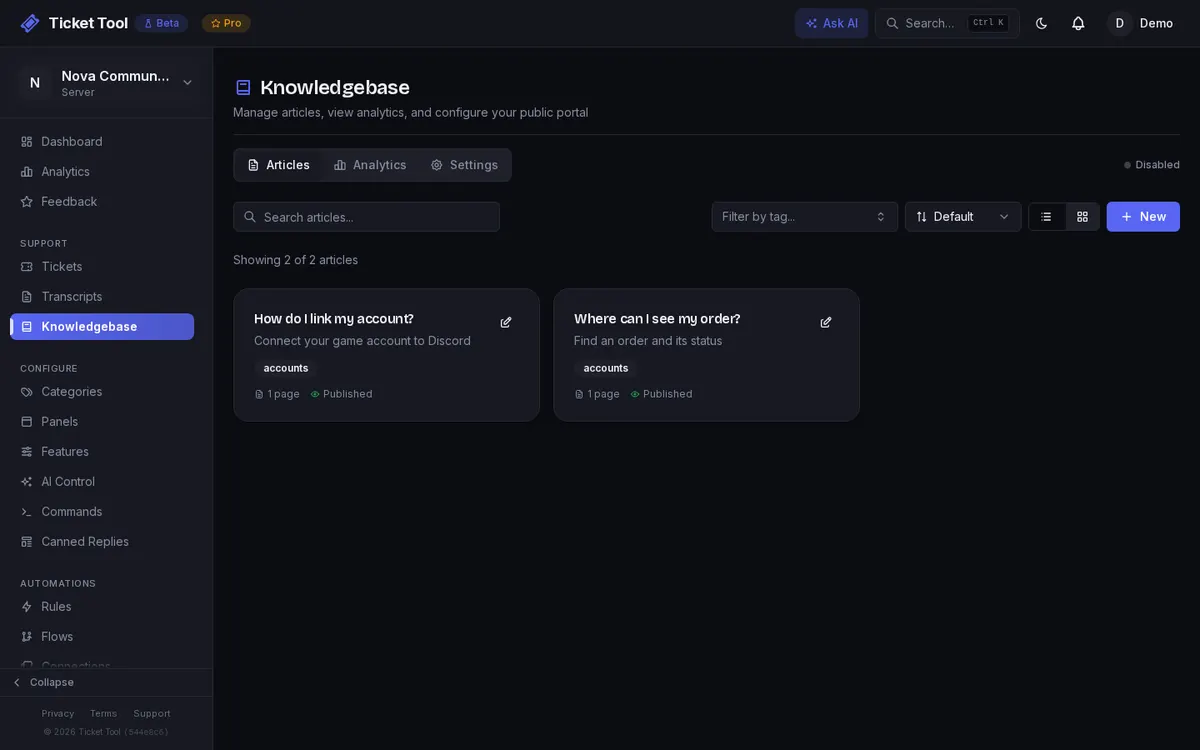
Answer repeat questions first
Publish help content and let members find answers before they need to open a private support ticket.
Explore the knowledge base guide →All the main features, in one bot
Tickets and staff
Ticket Categories
Organize tickets into categories with custom settings, permissions, and workflows for each type.
Reply from the Dashboard
Read and reply to tickets right from the web dashboard, in real time, without jumping back into Discord.
Close Requests
Ask the member to confirm their issue is solved before a ticket closes, with an optional timer that closes it if they don't answer.
Role Permissions
Control who can view, claim, and manage tickets with granular role-based permissions.
Anonymous RepliesPro
Reply under a shared brand identity instead of individual staff names, so your team speaks with one voice.
Localization
Translate ticket messages, buttons and prompts into your community's language, with starter packs for 45 languages and custom text for any string.
AI, automation and insight
AI Assist
AI drafts one-click replies in every ticket, summarizes the conversation, and reads sentiment for your staff, on every plan. Pro adds AI nodes that automate routing and answers in your flows.
Knowledge Base
Let the bot suggest the right help article automatically to answer common questions before a ticket is opened, plus, from Community up, a public portal members can search.
Automation Rules
Automate ticket management with auto-close, reminders, keyword auto-replies, and custom triggers.
CSAT SurveysPro
Collect customer satisfaction feedback after tickets are closed to measure support quality.
Integrations and game tools
Webhook IntegrationsPro
Send ticket and flow data to any service that accepts a webhook, with custom payloads.
Connected AppsPro
Connect GitHub, Linear, Jira, Trello, Slack, Notion and more. Flows and rules open issues, link them to the ticket, and react when they change.
REST APIPro
Build custom integrations and tooling with a full REST API for tickets and events.
Account LookupsCommunity
When a ticket opens, look up the member's linked Roblox account or, on Pro, call your own API, then show staff an info card. The Account Lookup flow node checks Steam, Roblox and game server accounts at any step and branches on what it finds.
Ban LookupCommunity
For ban appeals: staff see where the opener is banned in Discord, BattleMetrics, Roblox and Steam, with reasons and dates, in a private card.
Game Server PluginsCommunity
Open-source plugins for Minecraft, FiveM and RedM, Garry's Mod, Rust and CS2 show staff a player's profile and bans from your own server. Players can report from in game, and on Pro staff can warn, kick or unban them from Discord. The plugin protocol is open, too.
Ready to try it on your server?
Add the bot, run setup, and you're handling tickets in minutes.