Advanced: an AI agent that hands off to a human
The basic AI reply answers a ticket's first message. An agent keeps going: it answers each follow-up, and when it cannot help, it steps back cleanly and leaves your team a note about where things stand.
You need the bot in your server and Manage Server permission. Add the bot first if you have not, then open the dashboard.
Start with the basics
This builds on AI replies, end to end. Do that guide first, so the knowledge base, voice and strictness are already set.
How the agent decides
Each time the member writes, the flow runs three checks in order.
The keyword check comes first on purpose. A member who types "I want a real person" is handed over immediately, without paying tokens for a model to reach the same conclusion.
Build it
Set strictness to Strict
Open AI Control, go to the AI Assist tab and set Answer strictness in the Grounding section to Strict. This matters: on any other setting, an unanswerable question gets a guess instead of a handoff, because the agent only hands off when the AI declines.
Strict makes the AI Auto Reply node page the Escalation role itself when nothing matches. The flow's Mention node pings staff again, so to get a single ping leave Escalation role empty and let the Mention node do it.
Import the template
Start from the AI support agent templateOn Automations → Flows, press Templates and pick AI support agent. It is a "runs on its own" flow, so it runs from a rule.
Set who gets pinged
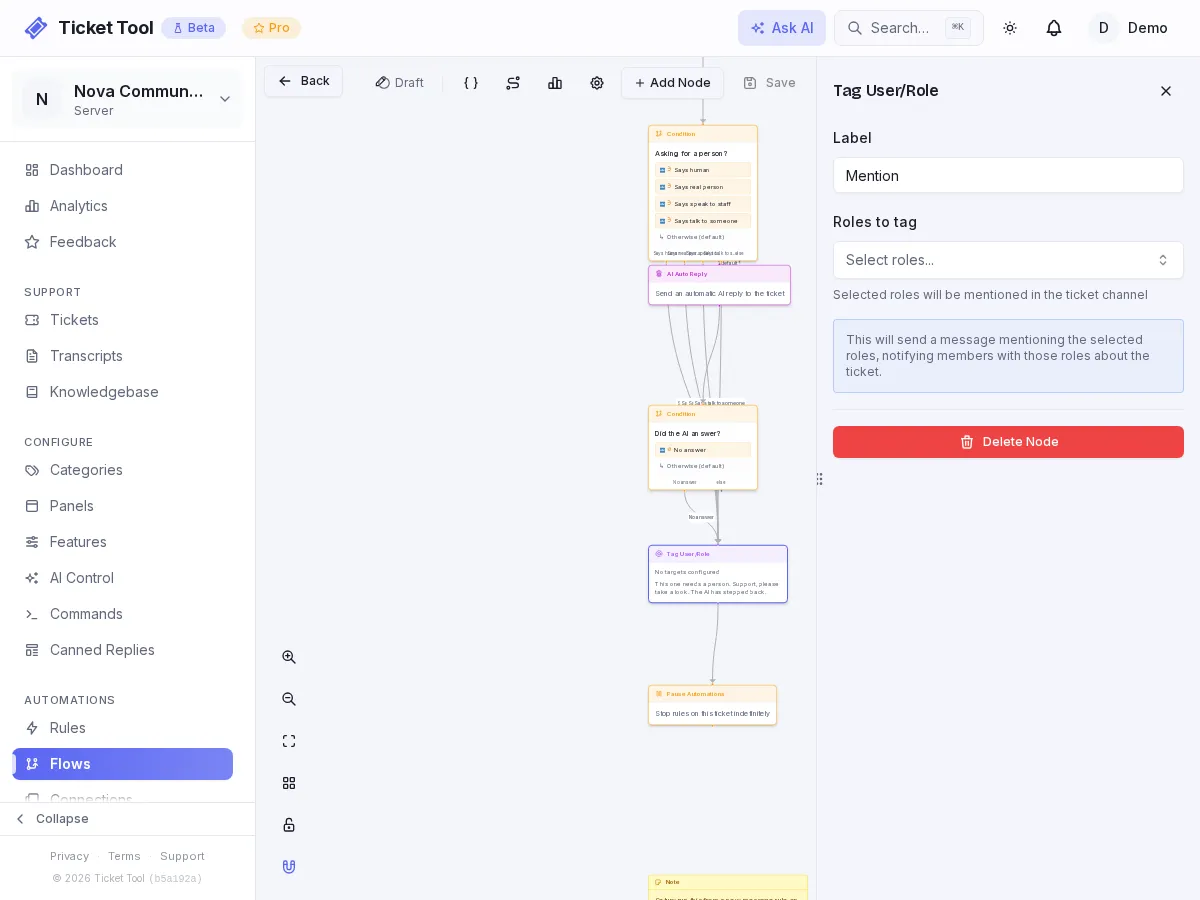
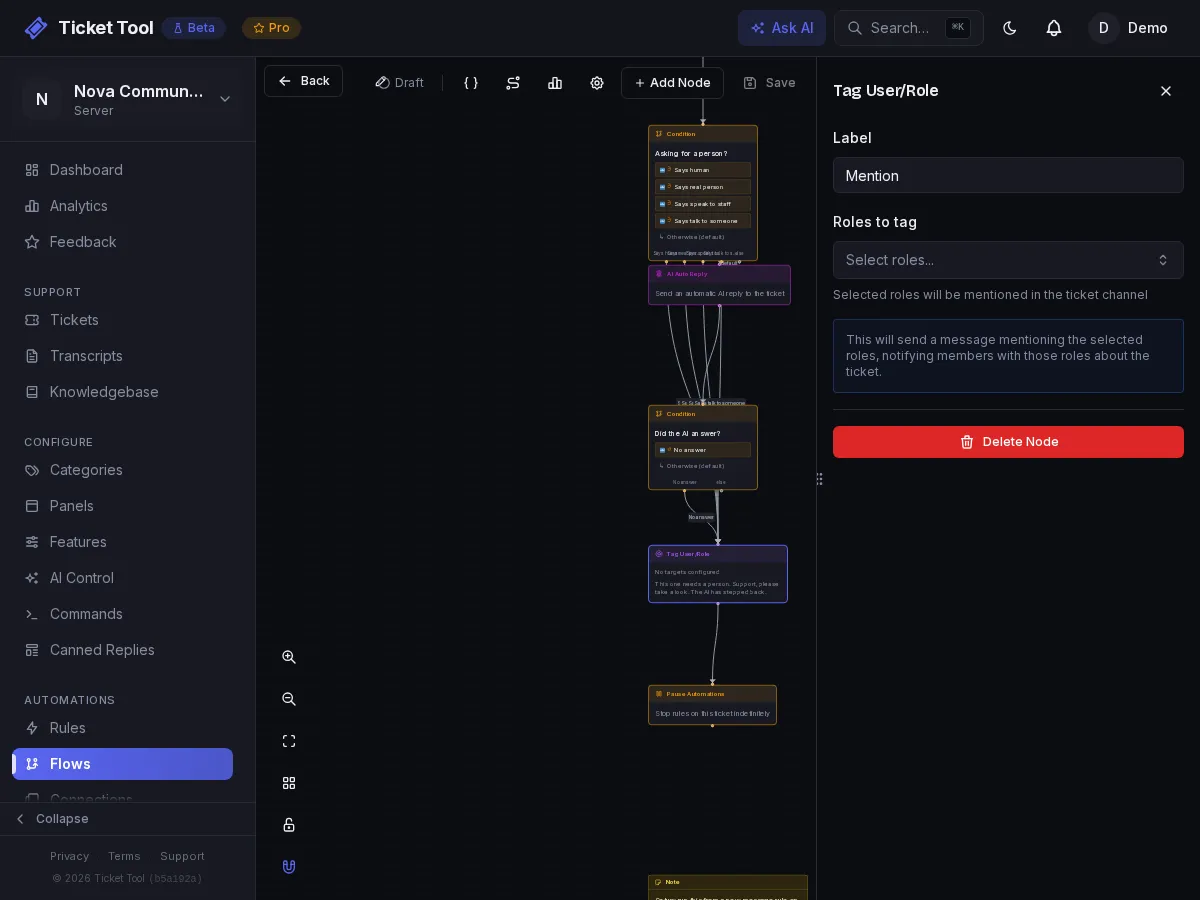
Open the Mention node and choose the support role. This is the ping staff see when the AI steps back.
Create the rule that runs it
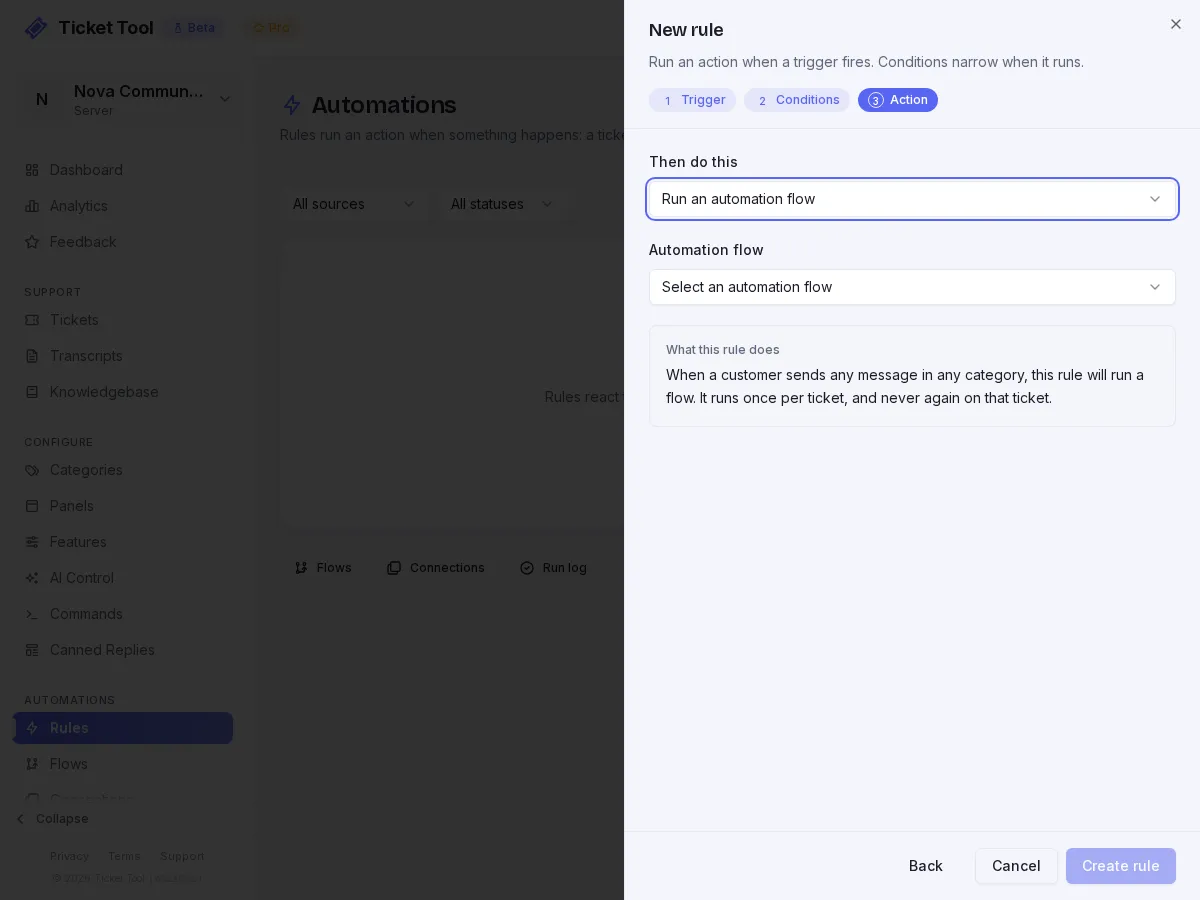
On Automations → Rules, add a rule:
| Field | Value |
|---|---|
| Trigger | When a customer sends a message |
| Run mode | Every time. The default, Once per ticket, would answer only the first message |
| Conditions | Message author set to Sent by the person who opened the ticket, and Staff has replied set to No staff member has replied yet, matching All conditions |
| Then do this | Run an automation flow, then pick the AI support agent flow |
The two conditions are what keep this safe. Only the opener's messages get an answer, and once a human joins in, the agent stops. Without them it would answer other members added to the ticket and keep going after your team took over.
Add a summary for the human
When the AI hands off, staff open a ticket cold. Give them one note instead of
a scrollback. In the flow, add an AI node between the Mention
node and the Pause Automations node, set its Mode to Summarize, and
set Store summary in variable to summary. Leave Post summary to channel
off. Then add an Add Note node after it containing:
Summary so far: {{aiOutputs.summary}}
The note stays on the ticket for your team to read.
The order around the pause does not matter much: the pause only stops rules from starting new runs, so the nodes after it in this same run still execute.
Test the three paths
Use a second account and open a ticket, then try each in turn.
| Send | What should happen |
|---|---|
| A question your articles cover | The AI answers |
| A question they do not cover | It stays quiet, pings support, adds the summary |
| "I want to talk to a real person" | Same handoff, straight away |
This one needs a person. @Support please take a look. The AI has stepped back.
Pausing has a side effect
Pause stops everything on that ticket
Pause Automations stops every rule on the ticket, not only the agent.
While it is paused, inactivity closers and reminders do not run either. That
is what you want at handoff, but if you also run an auto-close
rule, a ticket the AI has handed
over will not be closed by it until staff resume automations with /resume.
After a resume, inactivity timers start counting from that moment rather than
closing the ticket straight away. A flow already waiting on a timer when the
pause starts is not stopped by it.
Keep it honest
- The Max auto-replies per ticket setting does not apply to the AI Auto Reply node, so the two rule conditions and the pause are what stop a loop. Keep both.
- Read the results in AI Control weekly. A question the agent keeps handing off is an article you have not written.
- Keep the role the Mention node pings a real, watched role. A handoff to nobody is worse than no agent.
Troubleshooting
| What you see | Do this |
|---|---|
| It guesses instead of handing off | Strictness is not Strict, or the knowledge base has no published articles yet, which makes Strict act like Balanced |
| It keeps answering after a person joins | The Staff has replied condition is missing from the rule |
| It only answers the first message | Run mode is still Once per ticket. Set it to Every time |
| It never runs | The rule is off, the flow is off, or the trigger is not When a customer sends a message |
| Skipped: AI reply needs a triggering message | You ran it manually. Test with a real message |
| Nothing pings support | The Mention node has no role chosen |