Automate the boring parts of support
Two jobs eat staff time without helping anyone: chasing tickets where the member went quiet, and remembering to ask how it went. Automation rules do both.
You need the bot in your server and Manage Server permission. Add the bot first if you have not, then open the dashboard.
Plans
The idle-ticket rules use only actions on every plan. Asking for a rating uses the Request Rating node, which needs Community or Pro.
How rules work
A rule is a trigger, optional conditions, and an action. You build them under Dashboard → Automations → Rules with New rule, and can limit each one to a single ticket category or leave it on all categories.
Close tickets nobody answered
You need two rules: a nudge, then a close. Set both on the same category.
Add the nudge
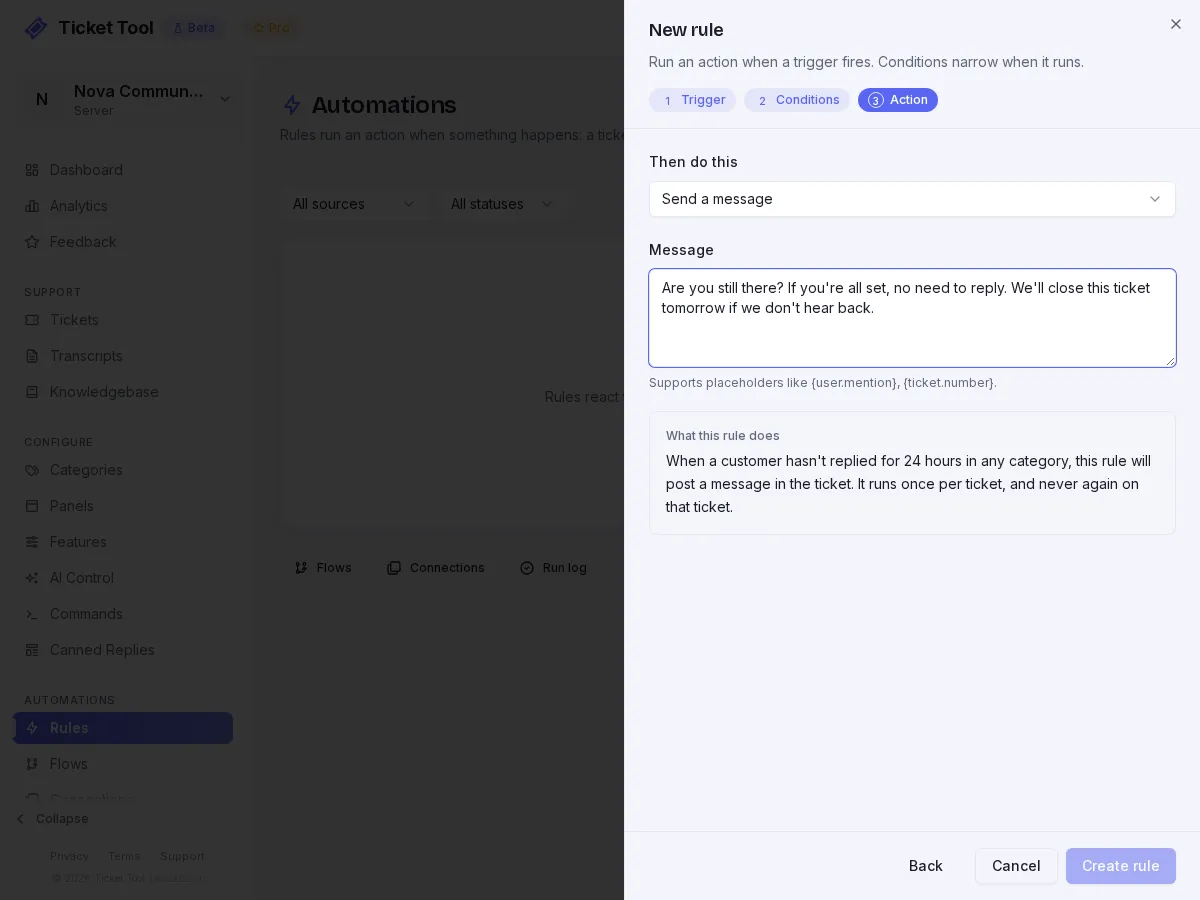
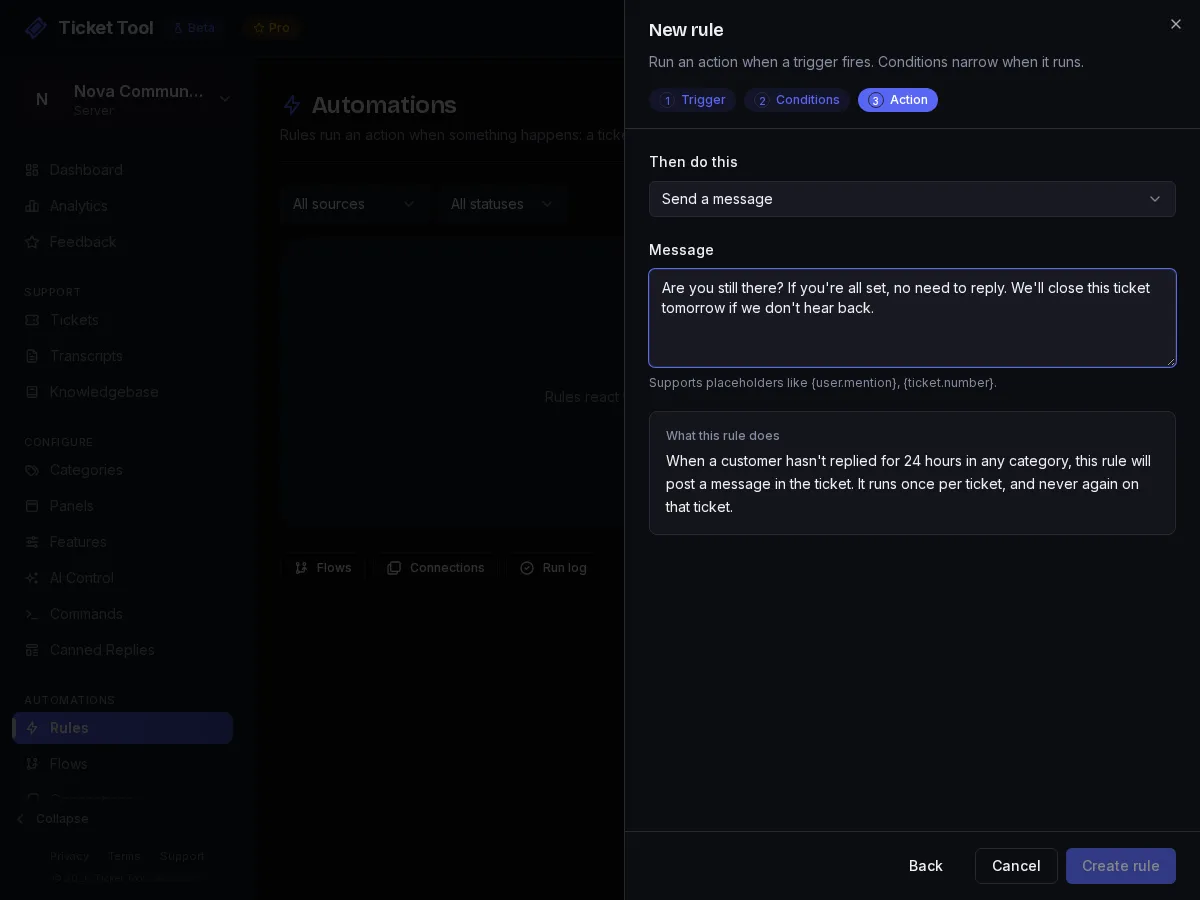
Create a rule with the trigger After customer inactivity and a threshold of 24 hours (the field is in minutes, and 24h is one of the preset buttons). Set the action to Send a message and write something kind:
Are you still there? If you're all set, no need to reply. We'll close this ticket tomorrow if we don't hear back.
Add the close
Create a second rule with After customer inactivity at 48 hours (enter 2880 minutes, there is no preset for it) and the action Close the ticket. Add a Close reason, which shows on the close log, for example "Closed automatically after 48 hours with no reply."
Check the order
Rules run in priority order and each has an on/off switch and move up and down controls. Both rules are independent, so the order between them does not matter here.
It only fires when the member owes a reply
Inactivity follows whose turn it is. If a member answered and is now waiting on you, that ticket is not inactive however long they wait, so a rule like this will not close a ticket that is really waiting on staff. To catch tickets both sides dropped, add a rule on After no activity from either side with a long threshold.
Are you still there? If you're all set, no need to reply. We'll close this ticket tomorrow if we don't hear back.
Ask for a rating when a ticket closes
CommunityImport the template
Start from the Thank and request a rating on close templateOn Automations → Flows, press Templates and pick Thank and request a rating on close. It sends a sign-off and asks the member to rate the support.
Trigger it on close
Back on Automations → Rules, create a rule with the trigger When a ticket is closed and the action Run an automation flow, then choose the flow you just imported. Make sure the flow is active.
The rating prompt is posted in the ticket channel. If the category deletes the channel on close (Delete on Close) or removes the member's access (On Close, Remove User Access), both on the category's General tab, the member will not be able to rate.
Read the results
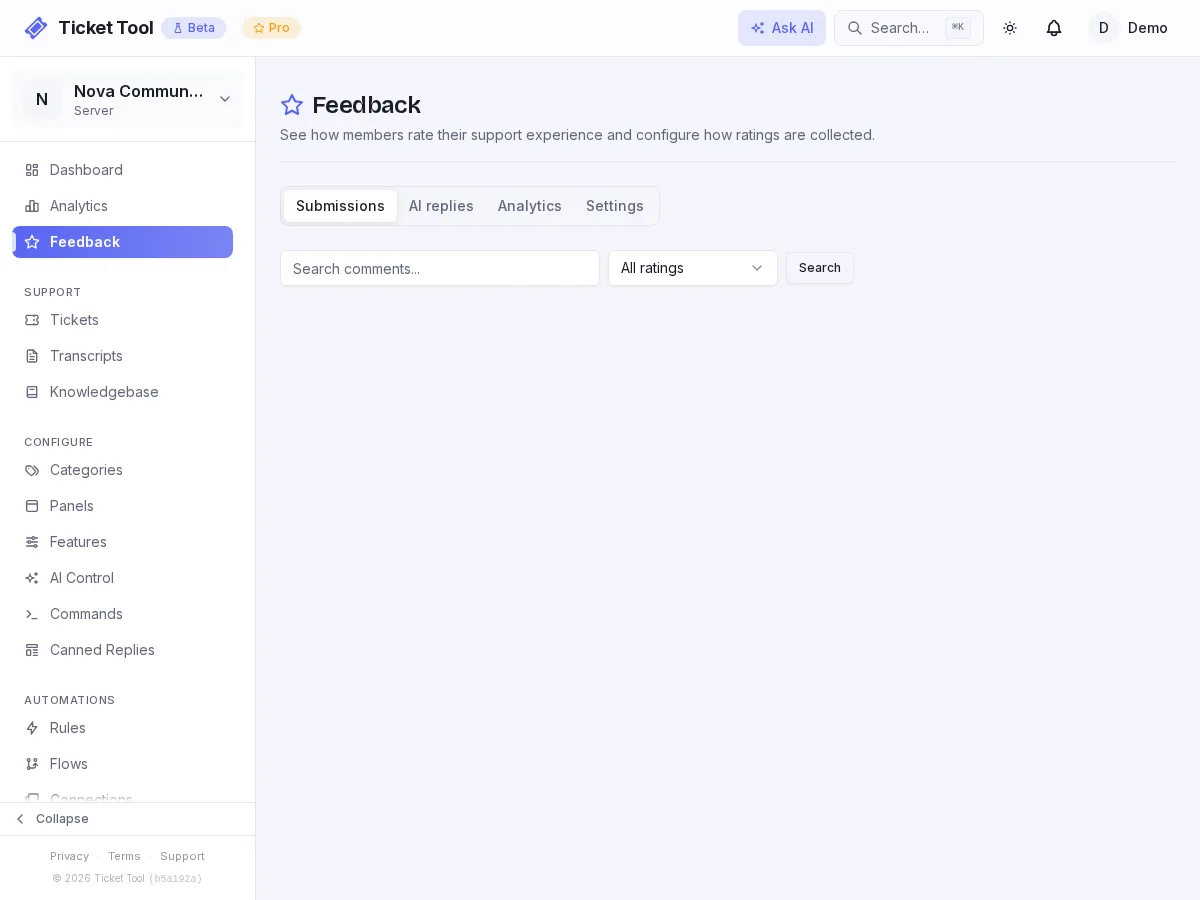
Ratings collect on Dashboard → Feedback. Bad ratings are the useful ones: read them weekly.
Keep a transcript
Transcripts are covered in Transcripts. The Save transcript on close template, run on the same When a ticket is closed trigger, adds a confirmation that the transcript was archived.
Limits
| Automation limits | Free | Community | Pro |
|---|---|---|---|
| Rules per category | 5 | Unlimited | Unlimited |
| Active flows | 5 | Unlimited | Unlimited |
The rules limit counts rules you limit to one category. Rules set to all categories do not count toward it.
Troubleshooting
| What you see | Do this |
|---|---|
| A rule never fires | Check its on/off switch and that it is set on the category the ticket is in |
| The close rule closed a ticket staff were still working | Pause that ticket with /pause. While a ticket is paused, no rule touches it |
| I cannot save a rule with "message contains" | That condition only works on triggers that carry a message. Use "ticket content contains" instead |
| The rating never appears | The ticket closed before the rule was switched on, the flow is not active, or the plan has no Request Rating node |